Create Pathfinder report
Creating reports is one of the most common actions taken in VAKE. It is the starting point for all our Maritime Domain Awareness services.
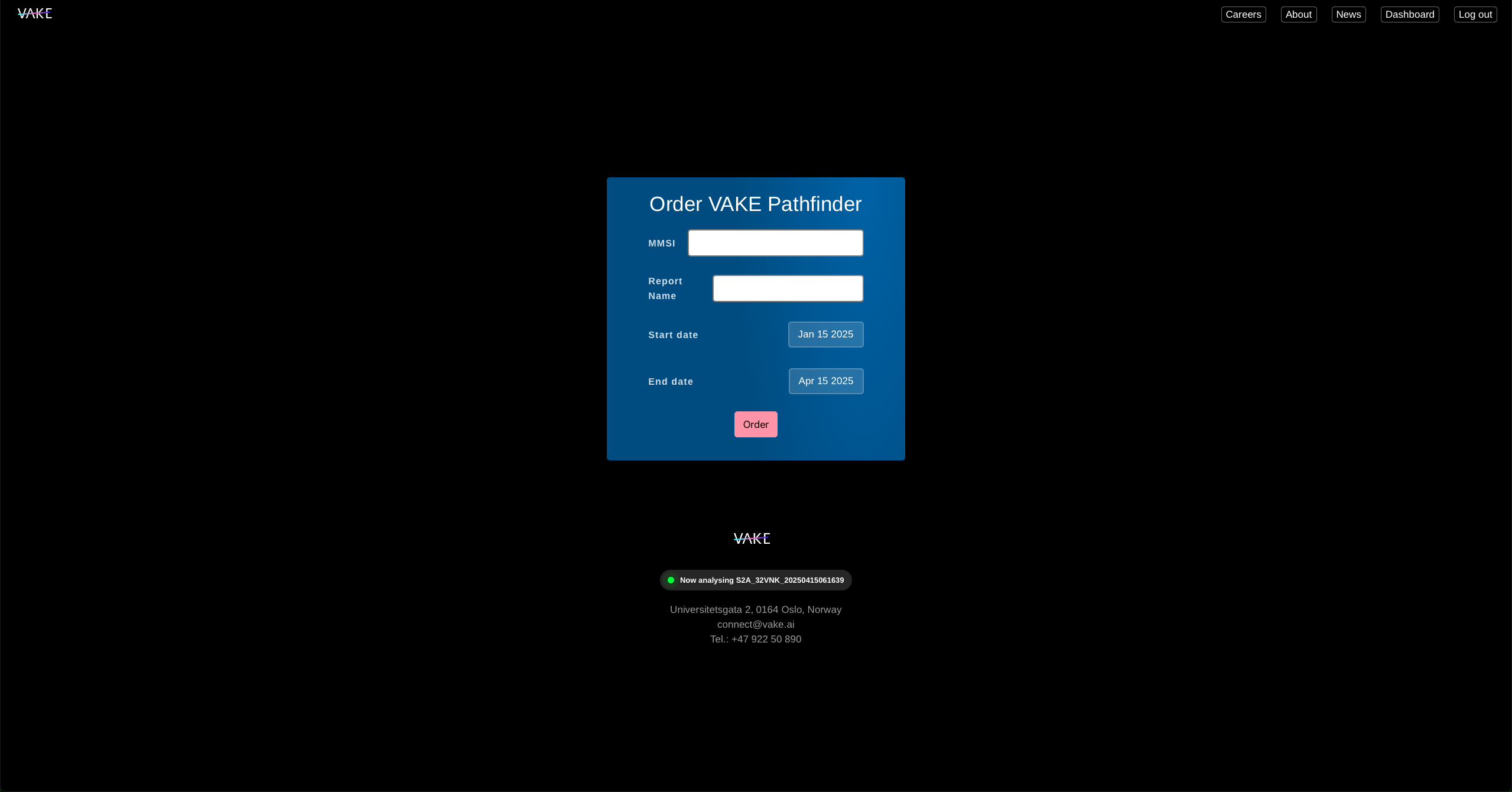
- Log in to your user account, and click on “Dashboard” to get to https://vake.ai/user
- Click “Create Pathfinder”
- Add MMSI of you vessel of interest.
- Create a name to your report.
- Select a start date and an end date.
- Click “Order”.
You will be provided with a link to your report right away. It will typically take 2-8 minutes to complete the report.
You can always find your report by heading to “Dashboard” and selecting the “Pathfinder reports”-tile.